Reviews on Google can have a significant impact on your business’s reputation. While positive reviews can attract new customers, negative ones may drive them away. However, not all negative reviews are fair or accurate. In this article, we’ll explain how to remove fake or inappropriate reviews from your Google Business Profile, and what steps you can take to manage your online reputation more effectively.

Step-by-step guide to removing reviews on Google
When you receive an inappropriate or fake review, you can report it directly to Google. There are two main platforms where you can do this: Google Maps or your Google Business Profile.
Flagging a review via Google Maps
- Find your business profile on Google Maps and go to the Reviews section.
- Locate the review you want to report.
- Click on the three-dot menu (⋮) next to the review and select “Report review.”
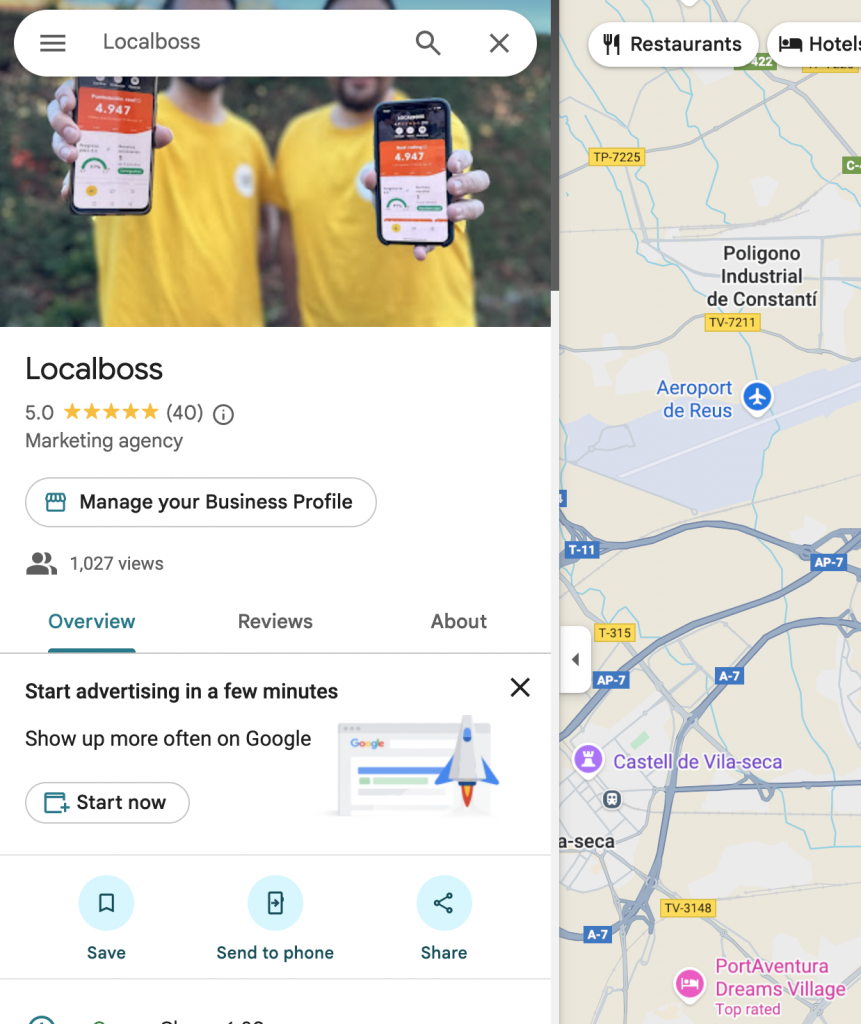
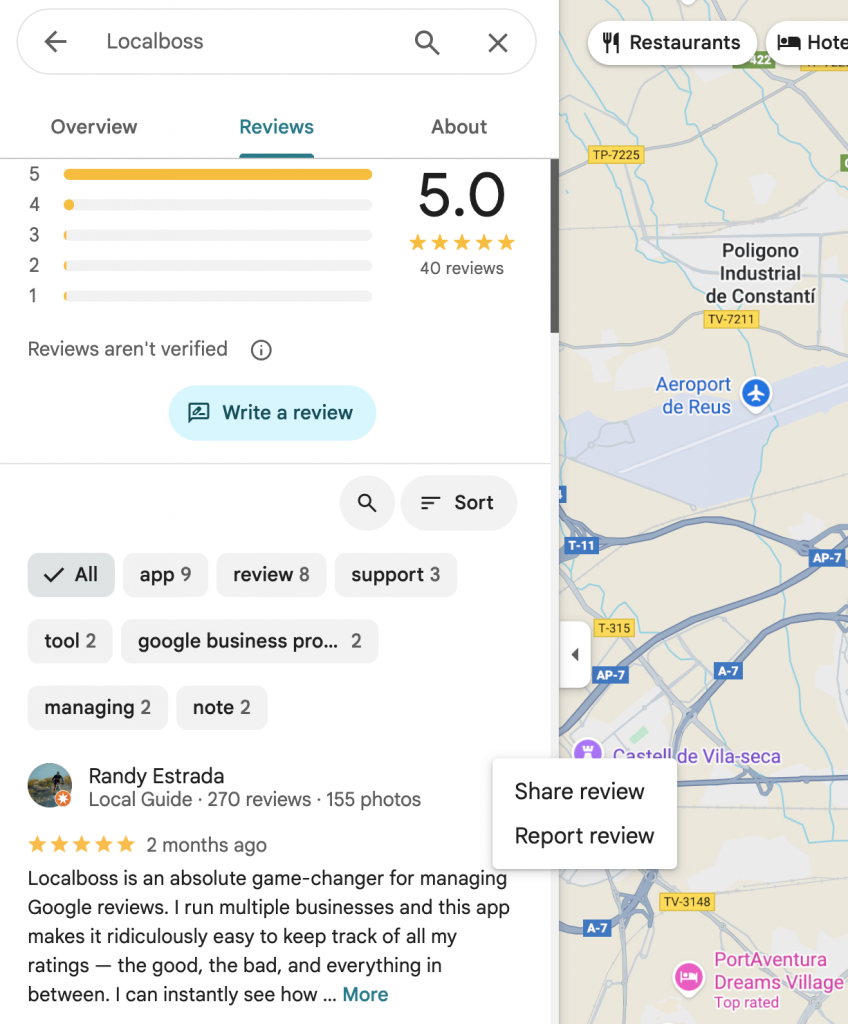
Managing Reviews via Google Business Profile Help
- #1: Log in to your business account on Google Business.
- #2: Confirm your business email. You can select the desired location via Google Business Locations.
- #3: Click “Read Reviews”

- #4: Find the review you want to report and click the exclamation icon (!) to report it.
- #5: In the new tab, choose the category that best explains why the review violates Google’s policies.
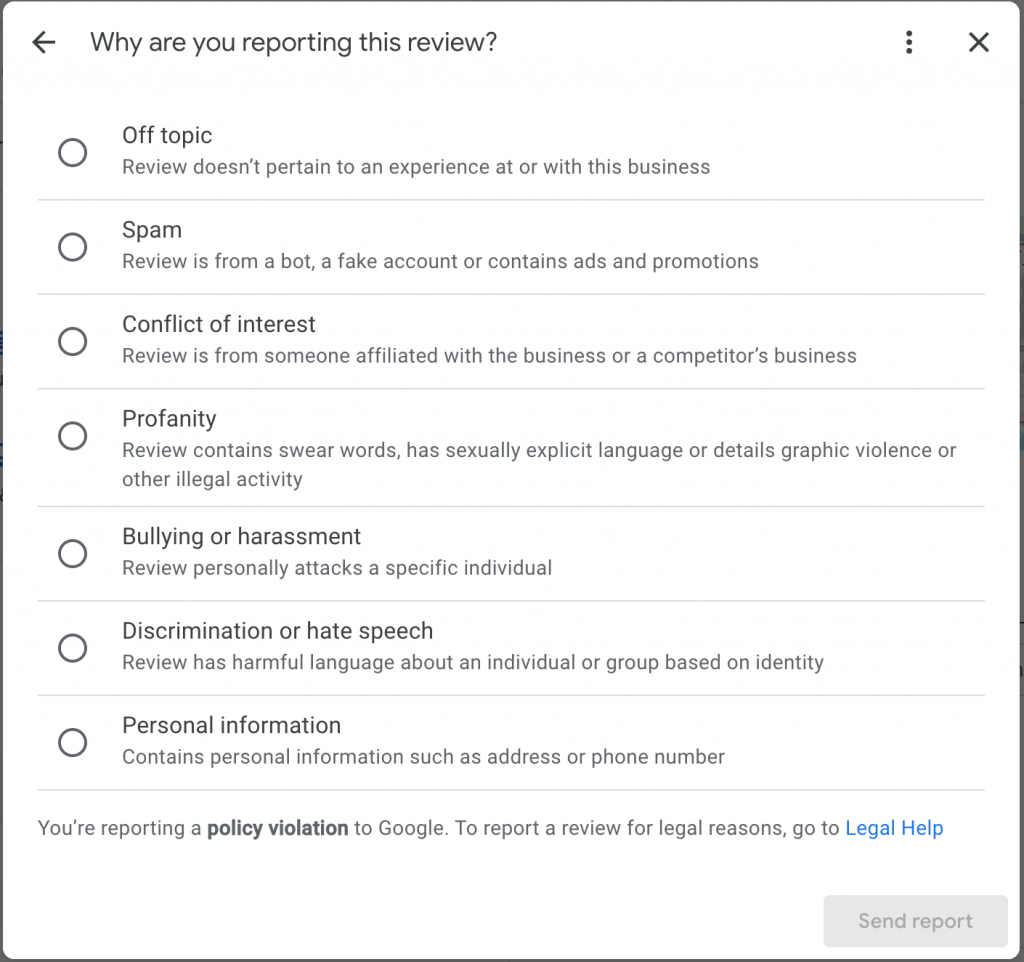
- #6: Submit your report.
On average, you’ll receive a resolution within 3 business days, visible in your Google Business Profile.
After clicking Read Reviews, open the menu (three dots in the upper-right corner) and select “Manage Reported Reviews” (or go directly via this link).
If the review was not removed, you can appeal it
If your report is rejected and the review stays up, you can appeal the decision with the following steps:

- #7: In the resolution tab, click “Appeal” to submit additional notes justifying why the review should be removed from your business profile.
- #8: IMPORTANT: Save the case ID/code that’s generated—you’ll need it for follow-up.
- #9: You’ll receive an email with the final outcome of your appeal.

