
Are you a Cinquo customer and want to share access to the app and web platform with your team?
Here’s how to do it:
Adding a delegated user from the desktop version
To add delegated users, go to the Cinquo desktop version on a computer:
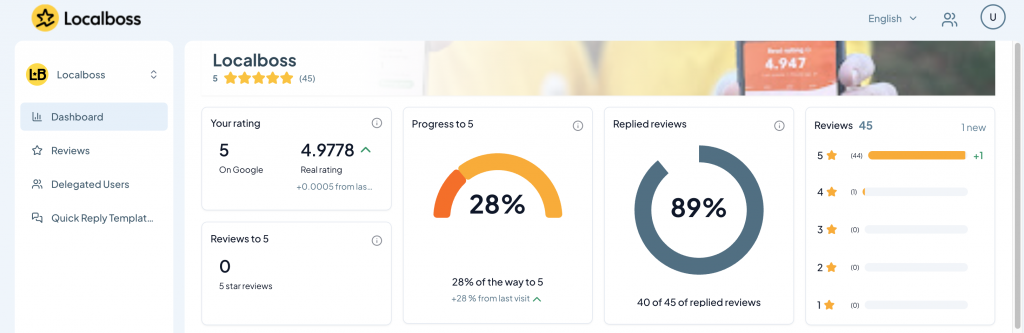
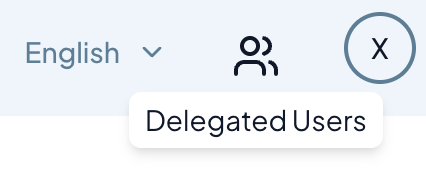
1. Go to the delegated users section (the user icon at the top right).
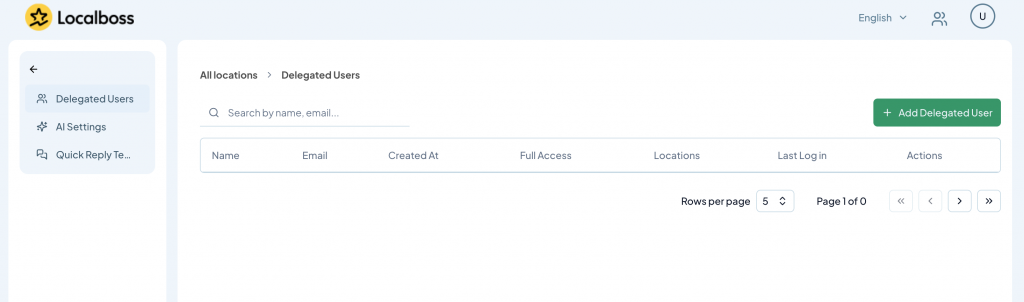
2. Click on “Add Delegated User”
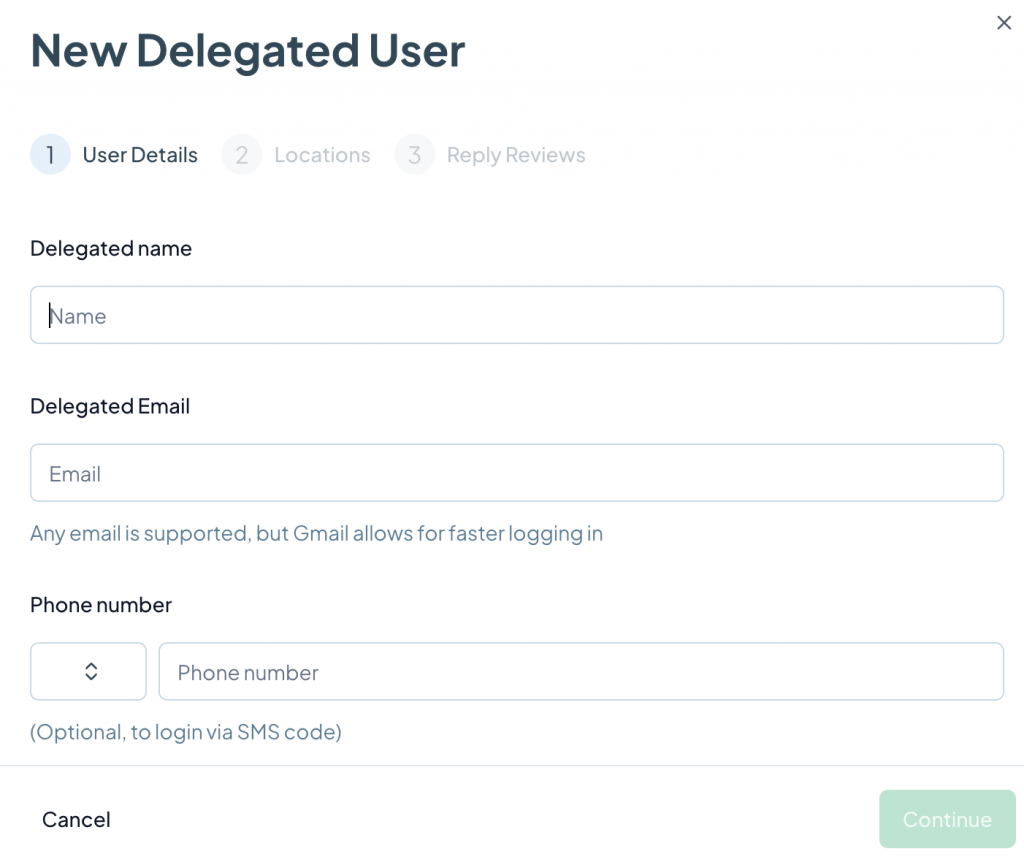
3. Fill in the information and click “Save.” The email address is required, even if the delegated user will log in with their phone number.
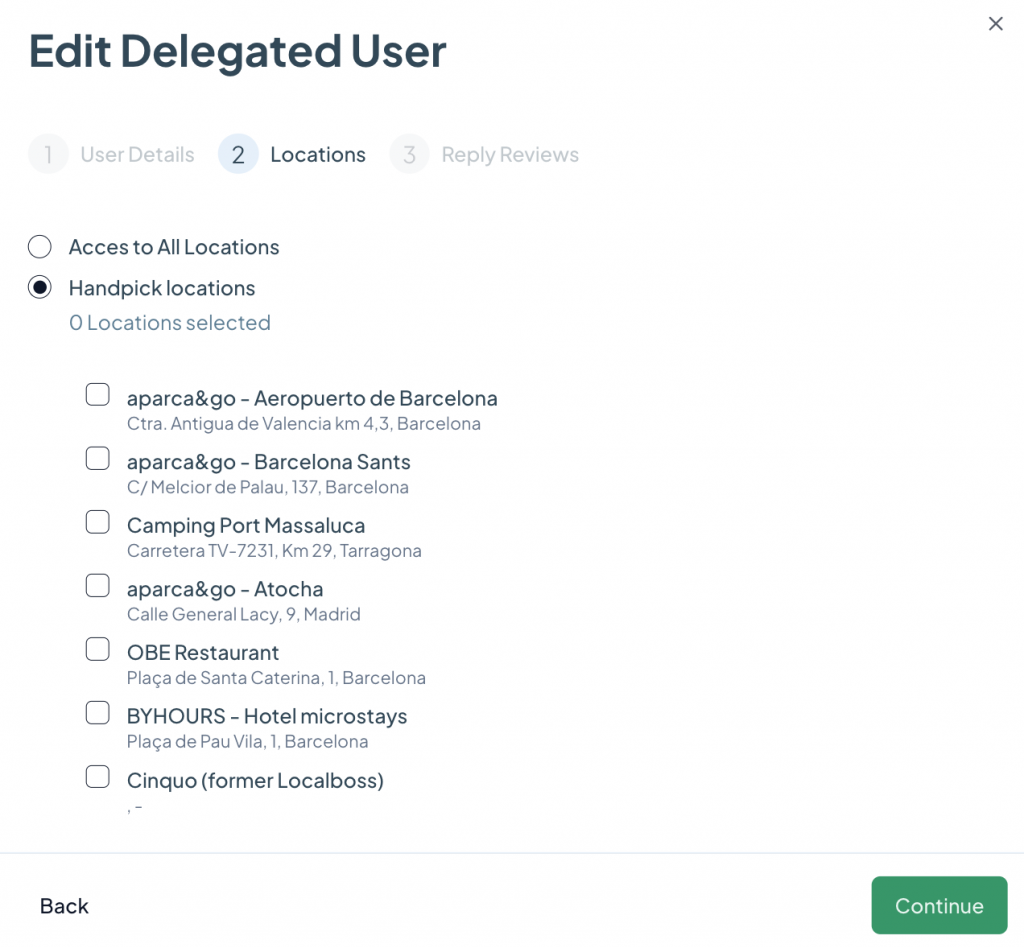
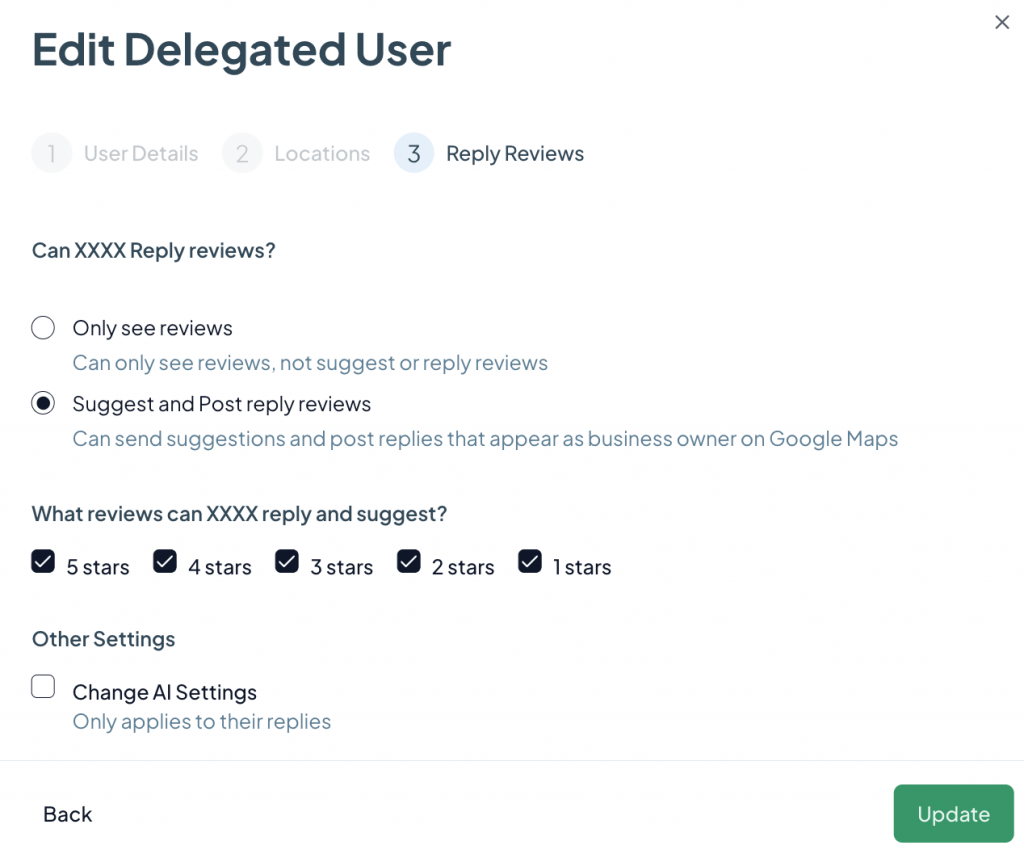
From the same screen in step 2, you can also manage and remove your existing Delegated Users.
Accessing Cinquo as a delegated user
Once the delegated user has been created, they can log into the App or the web by selecting “Delegated” on the login screen:

Or go directly to the web login: https://panel.cinquo.io

On the delegated user login screen, you can log in using your email or phone number (make sure the country code is correct).
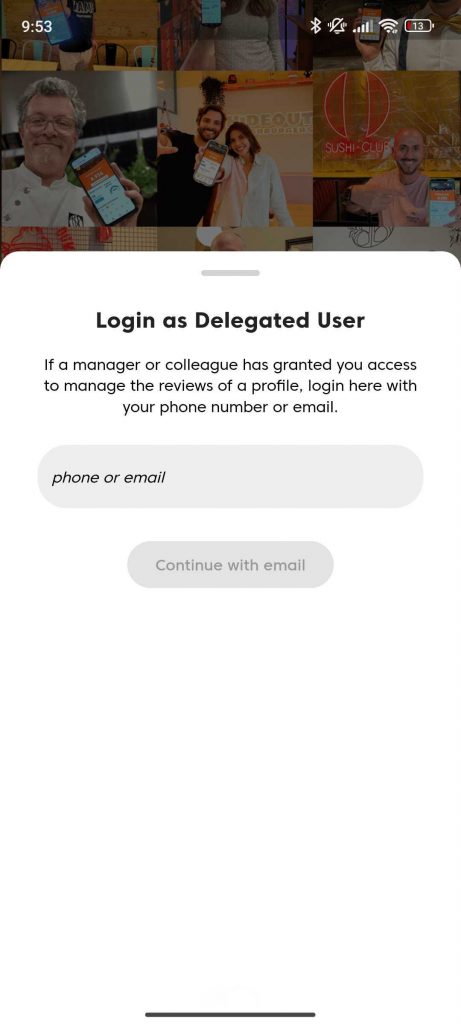
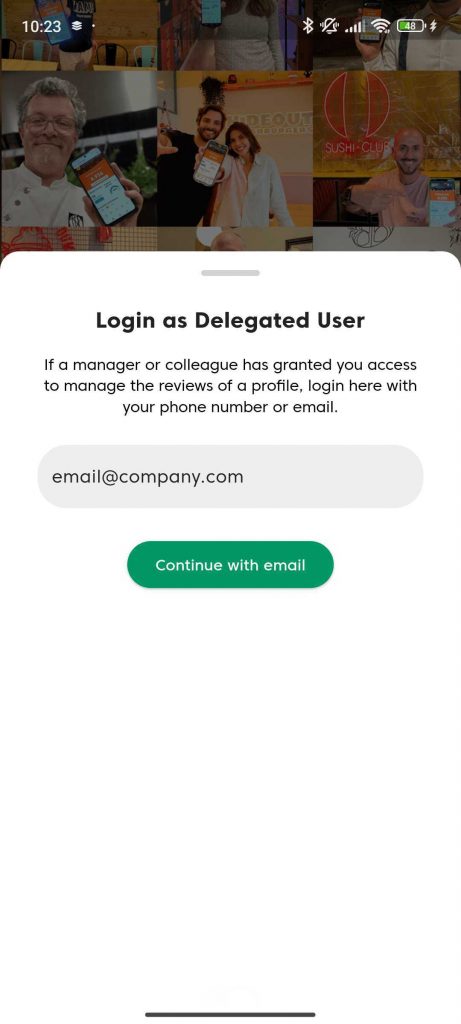
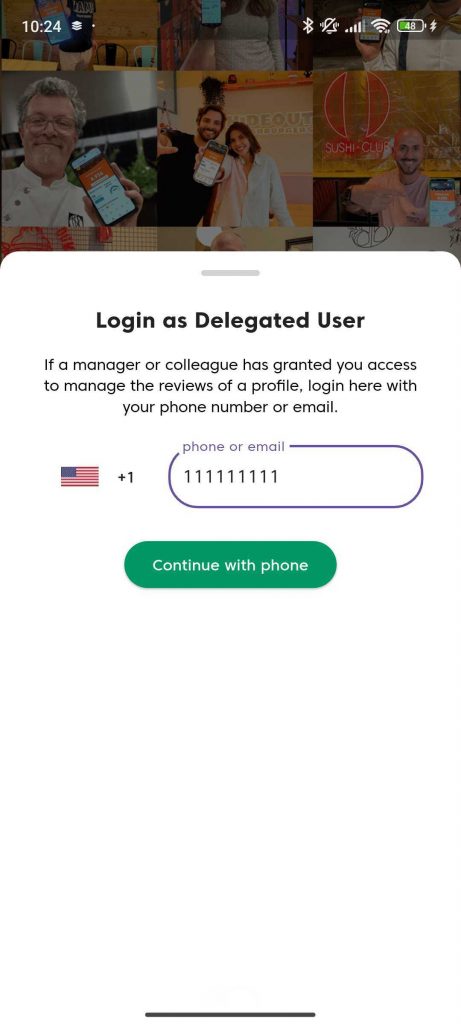
Then, simply enter the verification code received by email or SMS.

✅ If the code is correct, you’re in!

